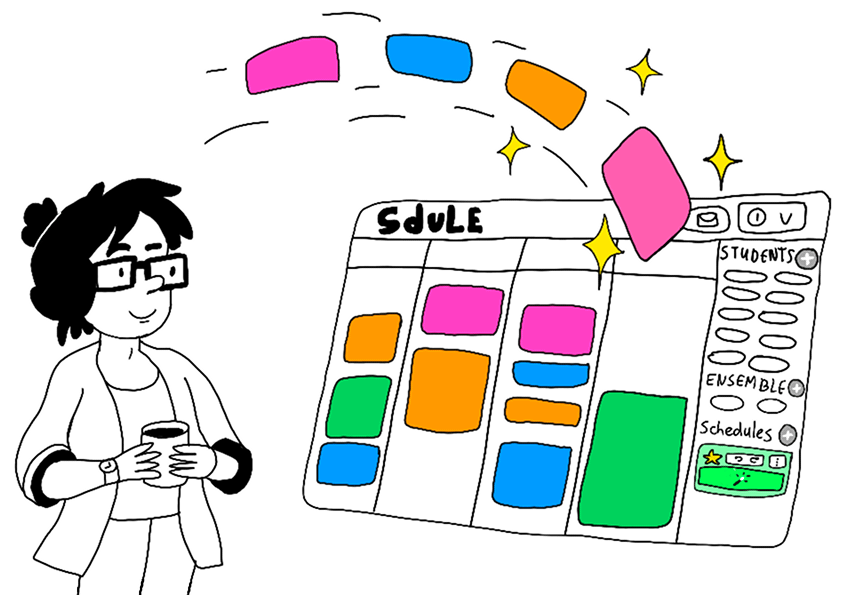
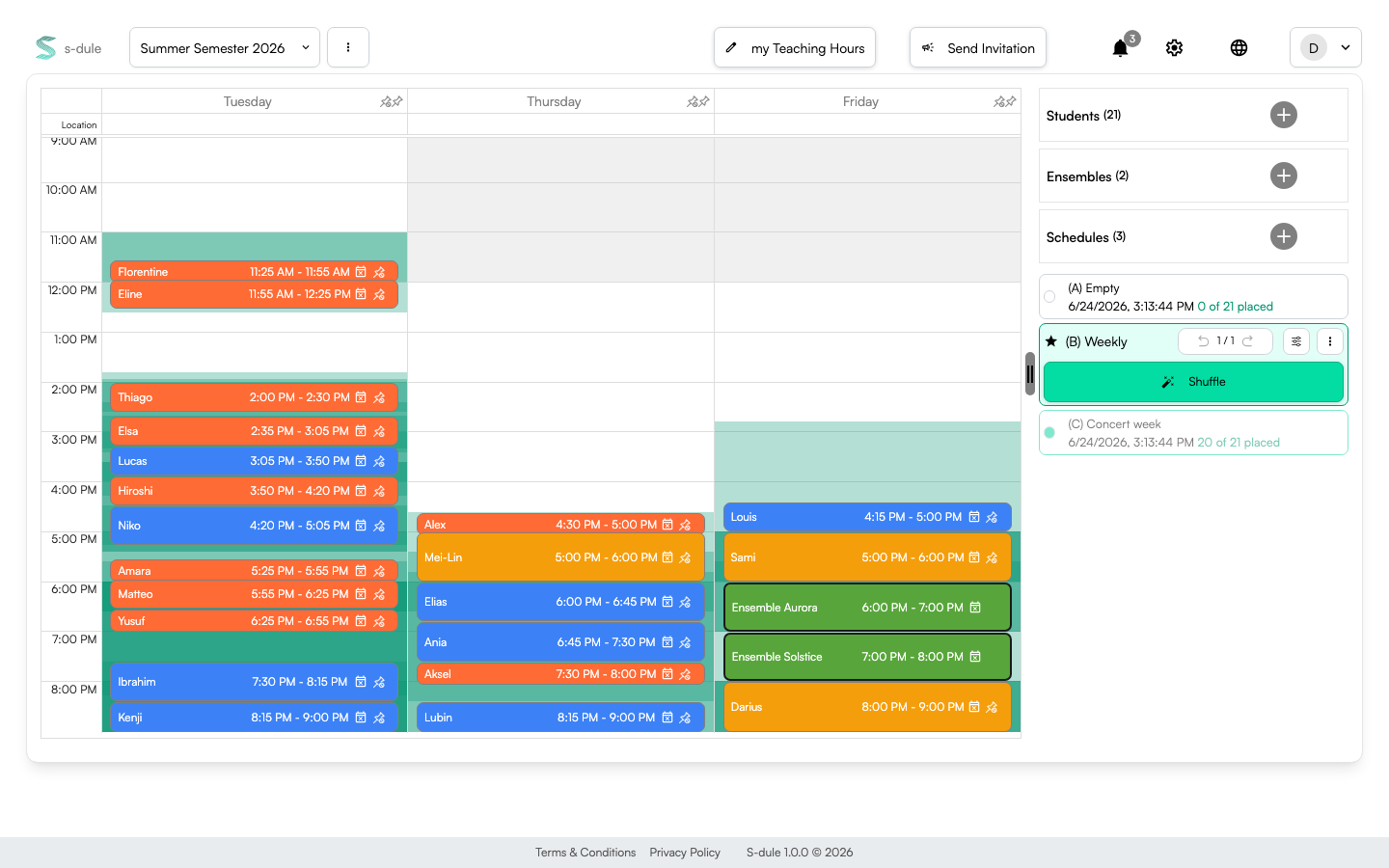
s-dule helps you build a weekly teaching timetable for a term. It brings together your teaching hours, lesson lengths and your students’ available times. You invite your students to fill in their availability; once it is collected, click Shuffle and s-dule looks for the best possible schedule, taking into account the students’ availability and, optionally, your lunch and coffee breaks. It is designed especially for music teachers and other teachers of individual lessons, and can also include ensembles or group lessons.
Turn everyone's availability into a working weekly schedule
Let s-dule collect student availabilities, and create a weekly, compact, conflict-free timetable that fits your teaching hours. — with full flexibility to adjust when needed.
We highly recommend to use the app on a desktop or a tablet
Free to use. Pay what you think it's worth, whenever you want.

How it works
From setup to a finished schedule. Six simple steps.
1. Start your semester
Your own workspace
Sign in to your secure space, with every past semester and student archived and ready.
Your own workspace
Sign in to your secure space, with every past semester and student archived and ready.
2. Set up your teaching week
Set the stage
Start with the essentials: your working hours and your students. Fine-tune with ensembles, rooms, and breaks.
Set the stage
Start with the essentials: your working hours and your students. Fine-tune with ensembles, rooms, and breaks.
3. Invite your students
Invite your students
One click sends every student a personal, secure link to submit their availability.
Invite your students
One click sends every student a personal, secure link to submit their availability.
4. Students share their availability
Now it's their turn
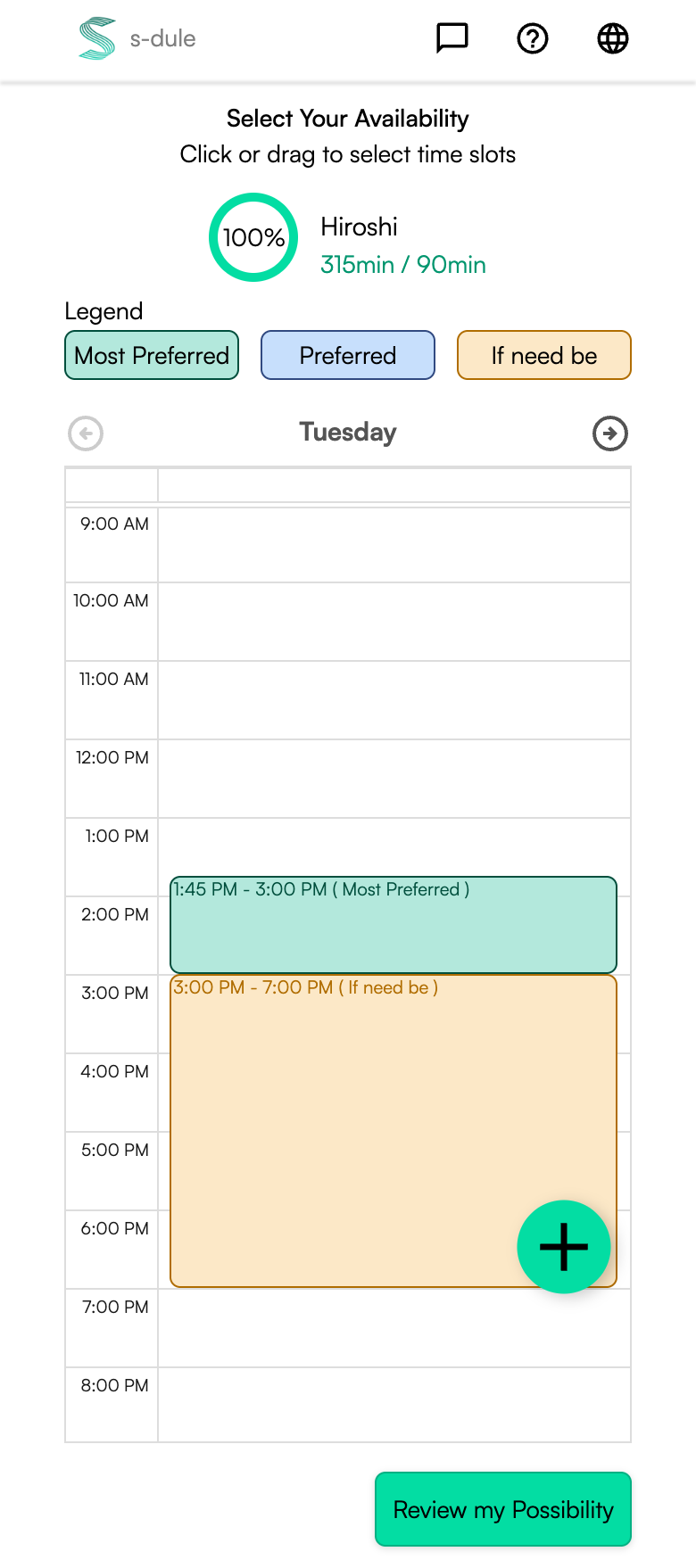
Each student opens their personal link and marks when they are free — within the limits you set.
Now it's their turn
Each student opens their personal link and marks when they are free — within the limits you set.
5. Let the Magic Shuffle do its work
The magic
Schedule your whole semester in one tap, fine-tune by hand if needed or shuffle for a fresh option.
The magic
Schedule your whole semester in one tap, fine-tune by hand if needed or shuffle for a fresh option.
6. Fine-tune and share
You're all set
Share, print, or sync your schedule to your calendar — you're ready to teach.
You're all set
Share, print, or sync your schedule to your calendar — you're ready to teach.
Build around for real lessons

Different lesson lengths
Plan lessons of different lengths in the same week.

You stay in control
Pin lessons or a whole day, then explore other arrangements.

The Magic Shuffle
Bring lessons closer together and reduce the gaps.

Ready for the next semester
Copy your schedule, update your students and plan again.
Demo
Explore the app. No account needed.
Things you can do in the demo
Start with a ready-made schedule filled with sample data.
Explore the teacher and student interfaces
Adjust your teaching hours and breaks
Create and manage students and ensembles
Preview how student invitations work
Build schedules and optimize with one click
I agree to s-dule Privacy Policy and Terms of Service.
Session cookies for functionality
Demo data saved temporarily on our servers for 30 days.
We highly recommend to use the app on a desktop or a tablet
Pricing 
Support s-dule, your way.
Choose the price you want to pay
We believe every teacher should have access to good tools, regardless of budget, s-dule started as a small independent project and remains community driven.
If it helps you, you can make a contribution to support ongoing development, server cost and new features.
Universities & Schools
Tailored plans for conservatories, departments and music schools.
Student data integration
SSO & data residency options
Dedicated onboarding and human support
Invoiced annually, with volume discounts
FAQ
Have questions?
Before you begin
What is s-dule, and who is it for?
How much work is involved in setting up my first timetable?
Most of the preparation involves setting your teaching hours, adding your students and their
lesson lengths, and collecting their available times. The work involved depends on how many
students you teach and whether you already have their details ready.
For students you have not added yet, send your schedule’s general link to the student or their
parents. They enter the student’s name, email address and lesson length, then select their
available times and preferences. After they submit, the student appears in your student list and you
receive a notification.
You can also import an existing student list or enter student details and available times yourself.
Once the information is ready, click Shuffle to search for a timetable. You review
and adjust the result before sharing it. Waiting for students to reply is separate from your own setup work.
Next term, you can copy your schedule and update what has changed.
Is s-dule free for individual music teachers, and what is included?
Yes. Individual music teachers can use the full toolset free of charge, including setting up your working hours, student list, send out invitations with templates, smart schedule creation, export schedule, custom student interface where the student submits an availability.
There is no subscription or mandatory contribution for individual use, however if you think s-dule helps you, feel free to donate an amount that you think is right.
Which languages can I and my students use?
s-dule is available in American English, British English, Swiss German, French (France), Italian (Italy), Greek and Spanish (Spain). These languages cover the teacher interface, student interface and email templates. Students can choose their own interface language when they open their invite link.
Still have questions? Can't find the questions you're looking for?
Contributors
Built together
s-dule is the result of countless conversations, ideas, and insights from our contributors.Become a contributor
Tell us how you'd like to contribute and we'll be in touch.Contact us